Maximizing ROI with Azure: Cost Optimization Strategies for 2026
Turn Azure spend into measurable business value
As we move into 2026, cloud is no longer a differentiator, it is the default foundation for digital business. Microsoft Azure continues to be a leading enterprise cloud platform, offering global scale, flexibility, and powerful AI-driven services. Yet as adoption accelerates, so does financial risk: industry analyses show that many organizations waste 25–30% of their cloud spend due to inefficient usage and weak governance. For CIOs, CFOs, and IT leaders, the question is no longer “Should we move to the cloud?” but “How do we ensure every Azure dollar delivers measurable business value?"
This article outlines practical, battle-tested Azure cost optimization strategies for 2026 to help you reduce waste, improve efficiency, and maximize ROI, without slowing innovation.
1. Make FinOps Your Operating Model
FinOps (Cloud Financial Operations) has evolved from a “nice-to-have” to a core discipline for managing cloud at scale. Organizations that adopt FinOps practices typically see double digit percentage reductions in cloud waste while improving financial predictability.
Key FinOps practices for Azure in 2026:
- Set budgets and alerts: Use Azure Cost Management + Billing to define subscription, resource group, and workload-level budgets, and configure alerts when spend approaches thresholds.
- Implement a tagging strategy: Standardize tags (department, cost center, application, environment, owner) to attribute costs and enable meaningful showback/chargeback.
- Enable showback/chargeback: Allocate Azure costs to business units in Power BI or other BI tools to increase accountability and drive behavior change.

Pro tip: Connect Azure Cost Management exports to Azure Data Explorer or Power BI to build executive-ready dashboards that blend cost, usage, and business KPIs.
2. Rightsize Continuously, Not Once
Overprovisioned compute and databases remain one of the biggest drivers of cloud waste. Many workloads run on VM sizes and SKUs chosen during an initial migration and never revisited.
How to rightsize in Azure:
- Use Azure Advisor and Cost Management: Identify underutilized VMs, managed disks, databases, and App Services by CPU, memory, and I/O metrics over realistic time windows.
- Scale down or schedule off-hours: For dev/test and non24x7 workloads, use automation (Runbooks, Logic Apps, Functions) to shut down or scale down resources during nights and weekends.
- Adopt auto-scaling: Use Virtual Machine Scale Sets, Azure Kubernetes Service (AKS) autoscaling, and App Service auto scale rules to match capacity to demand.
Well-run environments often cut compute spend by 20–40% through sustained rightsizing and scheduling alone, without impacting performance.
3. Use Reservations and Savings Plans Strategically
For steady, predictable workloads, Azure Reservations (Reserved Instances) and Savings Plans can deliver substantial discounts over pay-as-you-go pricing.
Best practices for 2026:
- Profile your workloads: Use Cost Management and historical utilization to identify steady state workloads suitable for 1 or 3year commitments.
- Combine with Azure Hybrid Benefit: Apply existing Windows Server and SQL Server licenses to further reduce compute costs for eligible workloads.
- Mix Reservations and Savings Plans: Use Reservations for highly predictable core workloads (up to ~72% discount) and Savings Plans for more flexible, cross service usage (up to ~65% discount).
Microsoft notes that combining Reserved VM Instances with Azure Hybrid Benefit can yield total savings of up to around 80% versus pay-as-you-go in some scenarios.

4. Treat Storage as a Design Decision, not a Default
Storage is often “set and forgotten,” but it can quietly become one of the largest components of Azure spend if not actively managed.
Storage optimization strategies:
- Choose the right tier: Move infrequently accessed blob data to Cool or Archive tiers and keep only hot workloads on premium or hot tiers.
- Automate lifecycle policies: Use Azure Blob Storage lifecycle management to transition data between tiers or delete expired data based on age or tags.
- Optimize data footprint: Apply compression, deduplication, and columnar formats (such as Parquet) for analytics workloads, particularly in Azure Data Lake Storage Gen2.
For analytics and big data, Azure Data Lake Storage Gen2 often provides a cost-effective foundation by combining hierarchical namespaces with low-cost object storage.
5. Use Spot, Serverless, and Containers Where They Fit
Modern architectures offer more cost-efficient execution models than always on VMs, especially for bursty, stateless, or noncritical workloads.
Smart usage patterns:
- Azure Spot VMs: Run interruptible workloads, batch processing, CI pipelines, image/video rendering, and some AKS workloads, on Spot VMs to benefit from deep discounts, often up to 80–90% compared to on demand prices.
- Serverless compute: Use Azure Functions and Logic Apps for event driven and low through put workloads so you pay primarily for execution, not idle time.
- Containerization: Move from many small VMs to AKS or Azure Container Apps to improve density, scale to zero for some services, and better match consumption to demand.
The goal is not to replace every VM, but to align each workload with the most cost-efficient compute model it can tolerate.
6. Enforce Cost with Policy and AI, Not Just Good Intentions
Manual reviews and monthly reports are not enough at scale. In 2026, effective cost optimization combines governance policies, automation, and AI driven insights.
- Azure Advisor: Consume AI based recommendations across cost, performance, reliability, and security, and integrate these into backlog and operational reviews.
- Azure Policy and Blueprints: Enforce guardrails, for example, restrict certain high cost VM SKUs, mandate tags, or block deployments without cost center tagging.
- Automation and workflows: Use Automation Runbooks, Logic Apps, and Functions to implement scheduled shutdowns, idle resource cleanup, or automatic rightsizing suggestions.
Vendors are increasingly adding predictive and GenAI capabilities on top of Azure billing and telemetry data to forecast spend and recommend proactive optimizations, enhancing what native tools already provide.
7. Measure ROI, Not Just Spend
Cost optimization is not a onetime project or a race to the lowest bill; it is a continuous practice tied to business outcomes.
Ways to operationalize this mindset:
- Define KPIs: Track metrics like cost per feature, cost per transaction, cost per user, and unit economics for key services alongside technical metrics.
- Run monthly FinOps reviews: Bring finance, IT, and product teams together to review spend, anomalies, commitments, and upcoming initiatives.
- Benchmark and iterate: Compare your cost efficiency and architectural patterns against industry benchmarks and published Azure best practices.
Organizations that embed these practices often report 20–40% reductions in avoidable cloud costs while accelerating time to market and improving financial predictability.
Conclusion
Maximizing ROI on Azure in 2026 requires a disciplined, data driven approach, not adhoc cost cutting. By combining FinOps principles, continuous rightsizing, reservations and Savings Plans, intelligent storage design, modern execution models (Spot, serverless, containers), and policy plus AI driven automation, enterprises can achieve sustainable cost efficiency while still funding innovation.
If you are ready to turn Azure from a cost center into a competitive advantage, this is the moment to formalize your FinOps practice and modernize your architecture, so every Azure dollar works harder for the business.

1. What are the most effective Azure cost optimization strategies for 2026?
The most effective strategies include adopting a FinOps operating model, continuous rightsizing, using Reservations and Savings Plans, optimizing storage tiers, leveraging Spot and serverless workloads, and enforcing cost controls through Azure Policy and automation.
2. How much Azure cost savings can enterprises realistically achieve?
Enterprises that implement structured FinOps practices and continuous optimization typically reduce avoidable Azure costs by 20–40%, while also improving forecasting accuracy and financial predictability.
3. Is Azure cost optimization only about reducing spend?
No. Azure cost optimization focuses on maximizing ROI, not just lowering bills. The goal is to align cloud spend with business outcomes such as cost per transaction, cost per user, and faster time-to-market.
4. When should organizations start using FinOps for Azure?
Organizations should adopt FinOps as soon as Azure usage begins to scale. Early implementation helps prevent cost sprawl, improves accountability across teams, and ensures governance keeps pace with innovation.
Related Posts
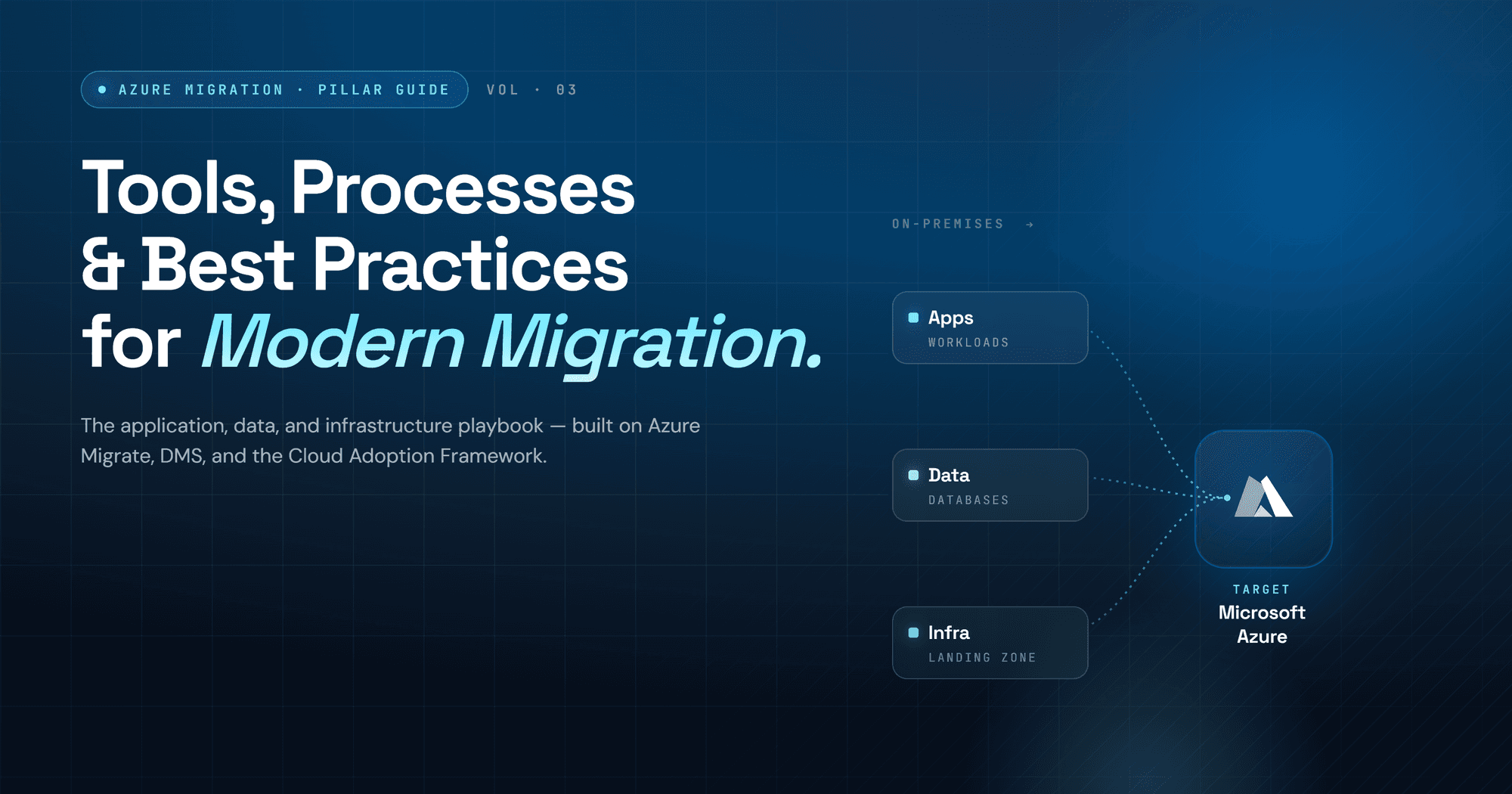
Enterprise Cloud Migration Playbook: Coordinating Applications, Data, and Infrastructure
Enterprise Azure migration playbook: three pillars, five phases, proven risk reduction strategies.
Azure Migration Checklist & Cloud Readiness Assessment 2026: The Definitive Guide
Everything You Need for a Seamless Cloud Transition
Why Every Enterprise Is Moving to Azure in 2026: The Ultimate Migration Playbook
Everything organization needs to plan, execute and optimize a successful microsoft azure migration - from assessment to full cloud maturity