From Data Lakehouse to Agent: How to Deploy AI Agents over Your Enterprise Data in Databricks
Detroit’s data leads smarter decisions across industries.
Detroit is no longer just the capital of the automotive world — it’s rapidly becoming a hub for data innovation. From connected vehicle analytics to manufacturing process intelligence, local enterprises are finding new ways to use their vast data assets. And now, with the rise of AI agents, that data can finally take on a more active role in day-to-day decision making.
Platforms like Databricks are making this shift possible by combining the strength of the data lakehouse with tools that let companies build, train, and deploy intelligent agents directly on their enterprise data.
This blog takes a practical look at how organizations — especially those in Detroit’s key industries — can m
The Shift from Data Lakes to Intelligent Agents
For years, data lakes were the center of enterprise analytics. They stored everything, from sensor data in manufacturing to transaction records in retail. The lakehouse architecture improved on this by merging the flexibility of data lakes with the consistency of data warehouses.
Now, Databricks is pushing the next step — turning that foundation into a platform for AI agents. These agents are not just chatbots or assistants. They are autonomous systems capable of reasoning over data, generating insights, and interacting with applications.
In Detroit’s context, think of an agent that:
- Pulls production line data from Delta Lake,
- Detects anomalies in part performance,
- Suggests maintenance actions to an operations manager in real time.
That is the kind of practical intelligence companies are beginning to deploy.
Why Databricks Is the Right Foundation
Databricks provides a unified environment that naturally fits the needs of agent-based systems:
- Data Connectivity – Agents depend on access to clean, structured, and contextual data. Databricks’ lakehouse connects to both structured and unstructured data sources — crucial for industries like automotive and pharma, where data types vary.
- Delta Lake Reliability – Data needs to be consistent. Delta Lake’s ACID transactions ensure that agents always access the most recent and correct information.
- Built-in AI/ML Infrastructure – From training models with Databricks MLflow to managing vector stores for retrieval-augmented generation (RAG), the tools are already part of the platform.
- Unity Catalog Governance – For Detroit-based companies working with regulated data, governance and lineage are non-negotiable. Unity Catalog ensures agents access the right datasets under the right policies.

Understanding AI Agents in the Enterprise Context
AI agents can be thought of as data-aware digital assistants that perform specialized tasks. They typically rely on three components:
- Knowledge Source: This is your enterprise data — structured, semi-structured, and unstructured — living in Databricks’ lakehouse.
- Reasoning Engine: Usually powered by large language models (LLMs) such as those from Mosaic AI, fine-tuned to understand company-specific language and workflows.
- Tooling Layer: APIs or workflows that the agent can call to take action — such as generating reports, updating records, or notifying teams.
These agents are not general purpose; they’re designed around context — a manufacturing quality agent, a supply chain assistant, or a pharmaceutical compliance checker.
The Deployment Journey: Step-by-Step in Databricks
Let’s walk through how enterprises can move from concept to deployment using Databricks.
1. Define the Use Case
Start with a clear operational goal. For Detroit’s industries, common starting points include:
- Predictive maintenance assistants in automotive manufacturing
- Supplier insight agents in logistics
- Production quality analyzers for process plants
The use case defines what data is needed and what outcomes the agent should deliver.
2. Prepare and Contextualize Data
Agents thrive on context. In Databricks, this means:
- Cleaning raw data using Delta Live Tables.
- Enriching it with metadata through Unity Catalog.
- Storing processed embeddings for vector search if the agent will use RAG.
For example, an automotive firm can combine machine sensor data with technician notes — both structured and text — to give the agent a complete view of plant operations.
3. Choose or Train the Model
Databricks integrates seamlessly with Mosaic AI models and open-source LLMs. Teams can:
- Fine-tune a base model on proprietary datasets.
- Evaluate model accuracy with Databricks MLflow.
- Store the model and version it for traceability.
For regulated industries, maintaining model lineage and auditability through Unity Catalog ensures compliance without extra complexity.
4. Build the Agent with the Databricks Agent Framework
Databricks’ Agent Framework simplifies how teams define agent behavior. Key elements include:
- Prompts: The agent’s instruction set.
- Tools: APIs or SQL endpoints the agent can call.
- Memory: Conversation or context persistence to maintain continuity across tasks.
Using Databricks notebooks, data teams can define an agent that automatically retrieves data, applies a model, and sends a message or alert based on the outcome.
5. Add Retrieval Capabilities
When agents need to reason over large data volumes, Databricks supports vector search for RAG workflows. Here’s what happens:
- Documents or records are converted into embeddings and stored as vectors.
- The agent matches queries with relevant vectors to provide grounded answers.
In Detroit’s supply chain context, this might mean the agent answering: “Which supplier shipments were delayed due to part shortages last quarter?”
The vector search enables quick, accurate answers without scanning terabytes of raw data.
6. Evaluate and Test
Evaluation is critical before deployment. Databricks provides:
- Automatic evaluation pipelines that measure the agent’s responses against test datasets.
- Human feedback loops for quality tuning.
- Error logging through MLflow for root-cause analysis.
Detroit’s manufacturing and pharmaceutical companies often use domain experts to score responses, ensuring agents meet both technical and regulatory accuracy standards.
7. Deploy with Databricks Model Serving
Once validated, agents can be deployed through Databricks Model Serving. This service handles:
- Low-latency inference
- Auto-scaling for varying workloads
- API endpoints for application integration
Agents can then be embedded into internal dashboards, production systems, or customer support platforms.
8. Monitor and Improve Continuously
Deployment isn’t the finish line. Continuous monitoring ensures reliability.
- Databricks Observability Tools track metrics such as latency, failure rates, and cost.
- Feedback Data is logged back into the lakehouse for retraining.
- Governance Policies ensure the agent’s access aligns with changing business rules.
For Detroit’s industries, where downtime can be costly, monitoring isn’t optional — it’s the backbone of sustainable automation.

Industry-Specific Use Cases: Detroit in Focus
Detroit’s manufacturing and technology ecosystem is uniquely suited for AI agent adoption. Here’s how it’s taking shape across key sectors.
Automotive Manufacturing
Production plants collect terabytes of sensor and inspection data daily. AI agents built on Databricks can:
- Detect anomalies in assembly line telemetry.
- Summarize maintenance trends for supervisors.
- Trigger alerts to maintenance teams before defects occur.
By keeping this intelligence local to the data lakehouse, Detroit’s plants can reduce response times and make decisions closer to where operations happen.
Pharmaceutical and Life Sciences
Local pharmaceutical firms handle regulated datasets — clinical records, trials, and compliance reports. Databricks’ governance features make it possible to build agents that:
- Summarize trial findings for research teams.
- Cross-check compliance documentation.
- Assist scientists with literature-based reasoning using secure internal data.
This adds agility without compromising auditability.
Supply Chain and Logistics
With Detroit’s role as a manufacturing nexus, logistics networks are vast and dynamic. AI agents on Databricks can:
- Monitor shipment data and warehouse logs.
- Predict bottlenecks or disruptions based on external signals (weather, port delays).
- Offer summarized insights to supply chain managers through chat or dashboards.
Public Infrastructure and Mobility
City authorities and infrastructure partners can benefit as well. Databricks enables agents to:
- Analyze traffic sensor data to adjust light timings.
- Recommend public transport improvements based on rider trends.
- Identify energy consumption patterns for smart-grid planning.
These initiatives tie directly into Detroit’s broader goal of digital advancement and sustainable urban growth.
Building a Responsible Framework
As agents gain influence over critical decisions, responsible design becomes essential. Databricks helps by:
- Tracking every model version and dataset lineage.
- Allowing human validation checkpoints in workflows.
- Providing audit trails for compliance reporting.
Detroit’s regulated industries — automotive safety, pharma, public infrastructure — all benefit from this accountability layer.
Practical Tips for Teams Getting Started
- Start Small: Begin with a single workflow or department.
- Build a Cross-Functional Team: Include data engineers, domain experts, and compliance officers.
- Create Reusable Components: Prompts, evaluation sets, and models can serve multiple agents.
- Keep Governance Central: Align data and model policies from day one.
- Document Learnings: Each deployment provides valuable insights for future agents.
Looking Ahead: Detroit’s Data-Driven Future
As Detroit continues to diversify its tech economy, Databricks’ approach to combining data and AI agents gives local enterprises an opportunity to stand out. Instead of static dashboards or delayed reports, decision-makers can interact with live systems that reason, summarize, and advise — all built atop the same data foundation they already trust.
This evolution from data lakehouse to intelligent agent is not a distant vision; it’s the next logical step in the city’s journey toward intelligent manufacturing, connected mobility, and high-value innovation.

FAQ's
1. What is the benefit of using Databricks for data agents?
Databricks unifies data storage, governance, and analytics, allowing organizations to deploy actionable, data-driven agents efficiently.
2. Do data agents need large datasets?
Not necessarily. Clean, structured, well-governed data—regardless of size—can power highly effective workflow agents.
3. Can data agents handle sensitive or regulated information?
Yes. Unity Catalog ensures secure access control, lineage, and auditability, making it suitable for regulated industries.
4. Do data agents replace human workers?
No. They support teams by summarizing data, detecting issues, and recommending actions, while humans maintain final decision authority.
5. How quickly can a data agent be deployed?
Simple agents can be deployed within weeks. More complex, multi-system workflows may require a few months, depending on data maturity.

Related Posts
How to Reduce Migration Downtime During Databricks Adoption on Azure
Strategies to Minimize Downtime
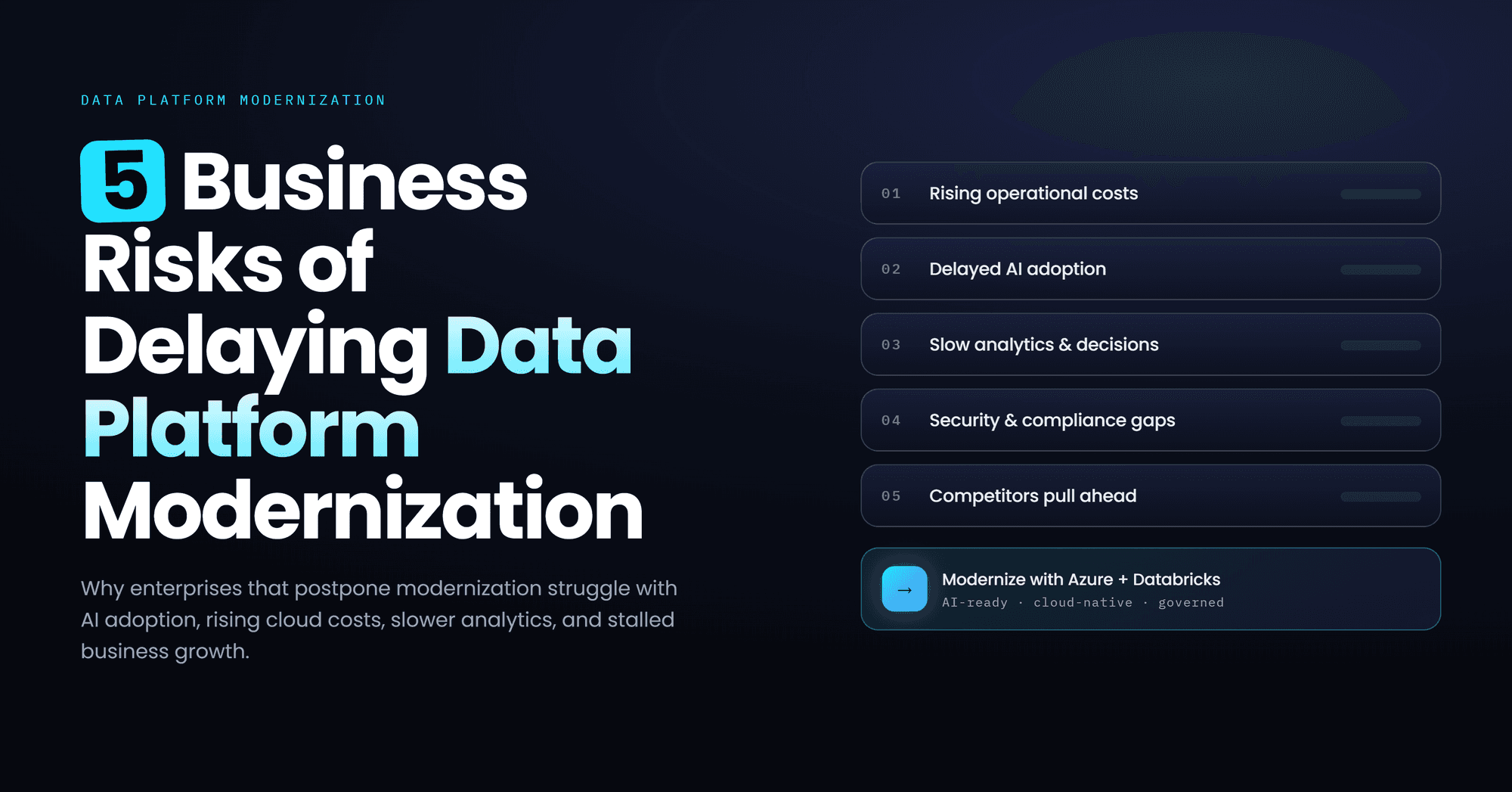
Data Platform Modernization Delays: 5 Risks for Modern Enterprises
Delaying data platform modernization increases operational costs, security risks, inefficiencies, and limits scalability, analytics performance, and AI-driven innovation
The Complete Guide to Lakehouse Migration with Databricks
Databricks lakehouse migration guide covering architecture, governance, and cutover.